BPMN Modeler
UI Design
Product Design
Design Systems
A comprehensive UI and UX overhaul a web-based canvas tool used for modeling and creating complex Business Process and Model Notation diagrams. The aim was to enhance usability, aesthetics, and functionality, making the tool more intuitive and efficient for users.
Core Problems
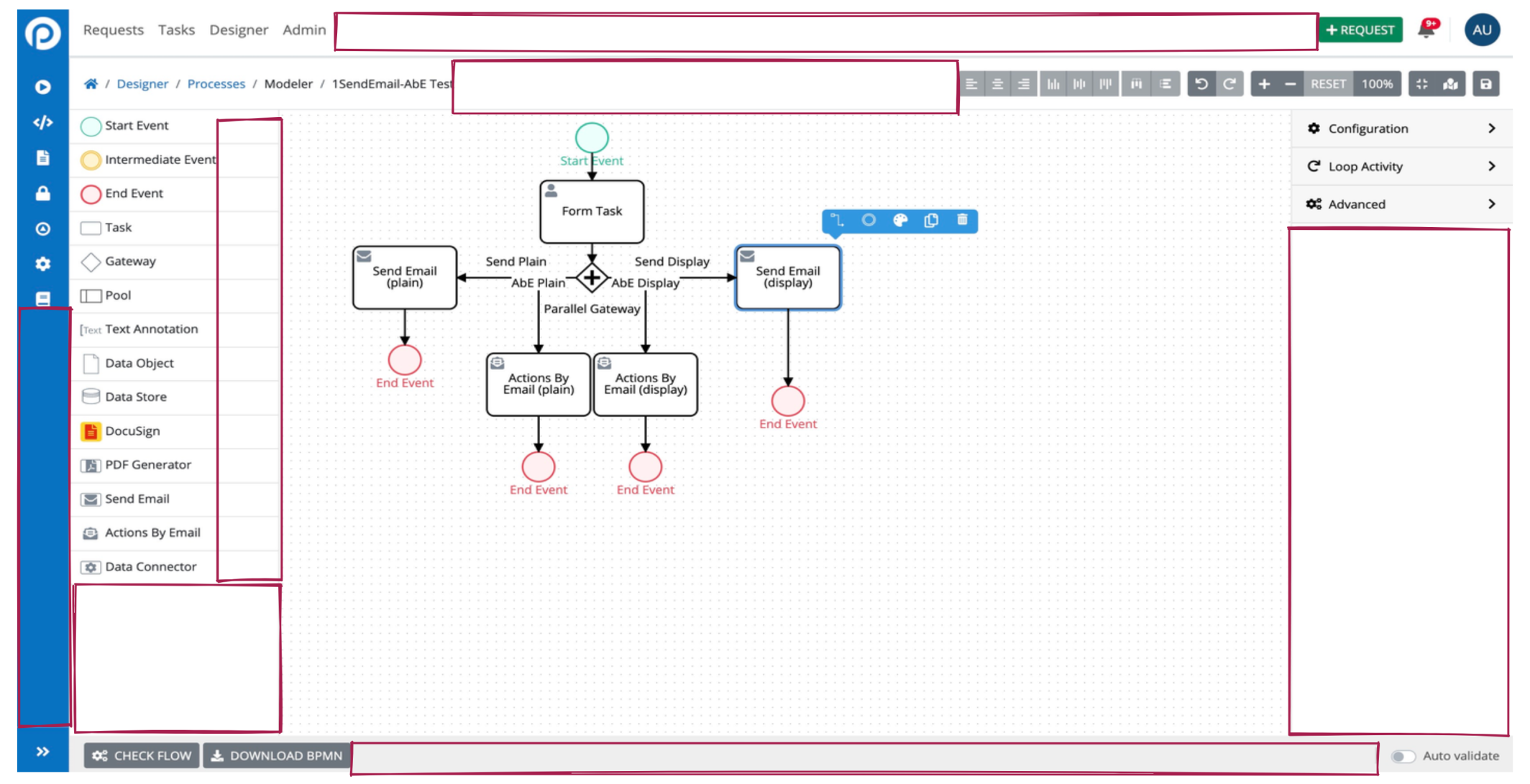
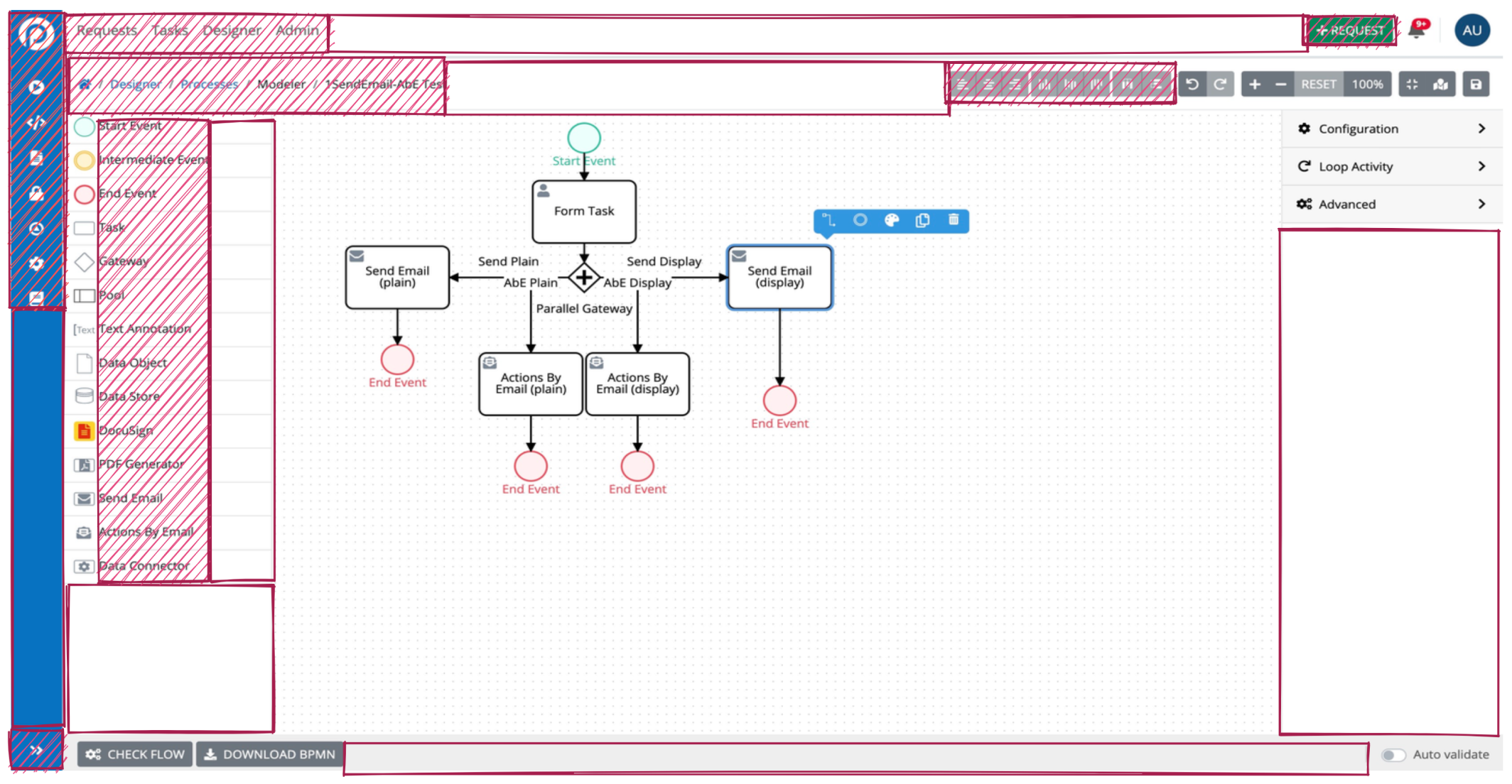
- Cumbersome User Experience: Users encounter difficulties navigating and operating within the canvas space, resulting in a cumbersome and frustrating experience.
- Limited Maneuverability: The tool lacks flexibility and ease of movement within the canvas, making it challenging for users to efficiently interact with and manipulate elements.
- Estate: Poor Usage of Screen Real Inefficient allocation of screen space further compounds usability issues, hindering users' ability to effectively visualize and work with their diagrams.
- Inflexible Menu Structure: The existing menu structure fails to accommodate new features easily, leading to delays in implementing enhancements and limiting the tool's scalability and adaptability.
Complications
- Tight Development Schedule for a Large Project: The project faced a tight development schedule, especially considering the magnitude of the redesign effort required. Balancing the need for thorough testing and iteration with the constraints of the timeline presented a significant challenge
- Complicated Code Base and Potential Performance Issues: The canvas tool operates on a complicated code base, which could potentially lead to performance issues and hinder the smooth functioning of the tool. Addressing this challenge requires careful optimization and refactoring to ensure optimal performance and stability.
Personas
- Features like keyboard shortcuts to streamline my workflow, allowing me to perform tasks more efficiently and with fewer mouse clicks.
- More canvas space to view and navigate larger BPMN models, enabling me to work on complex diagrams without feeling constrained by limited screen real estate.
- Advanced functionalities that empower me to create intricate BPMN processes and diagrams, providing flexibility and customization options to meet diverse project requirements.
Persona 1: New Users Familiar with BPMN
As a new user, I need:
- To be progressively exposed to the complications of the tooling so as not to overwhelm or produce too much cognitive load.
- Clear and concise onboarding materials that guide me through the basic functionalities of the tool.
- Access to comprehensive documentation and tutorials to facilitate my learning process.
Persona 2: Current Designers Utilizing ProcessMaker
As a current designer, I need: :
Market Research
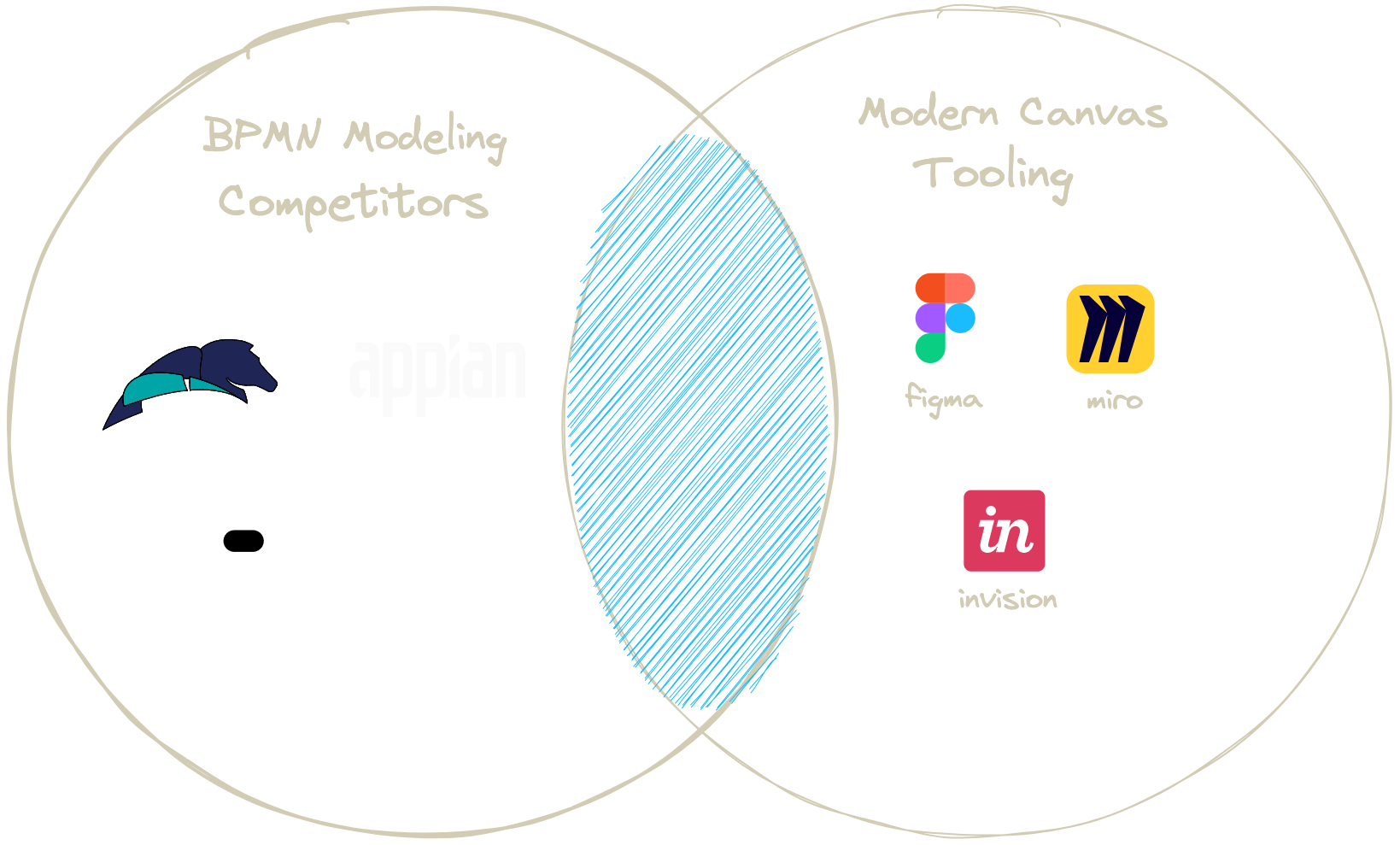
At the time of the redesign, major players in the BPMN modeling space were relying on older UI and UX patterns, which had become noticeably dated. This scenario presented an opportunity to set our canvas modeling tool apart by implementing contemporary, modern UI patterns, enhancing operation efficiency and user engagement.
Early Prototyping
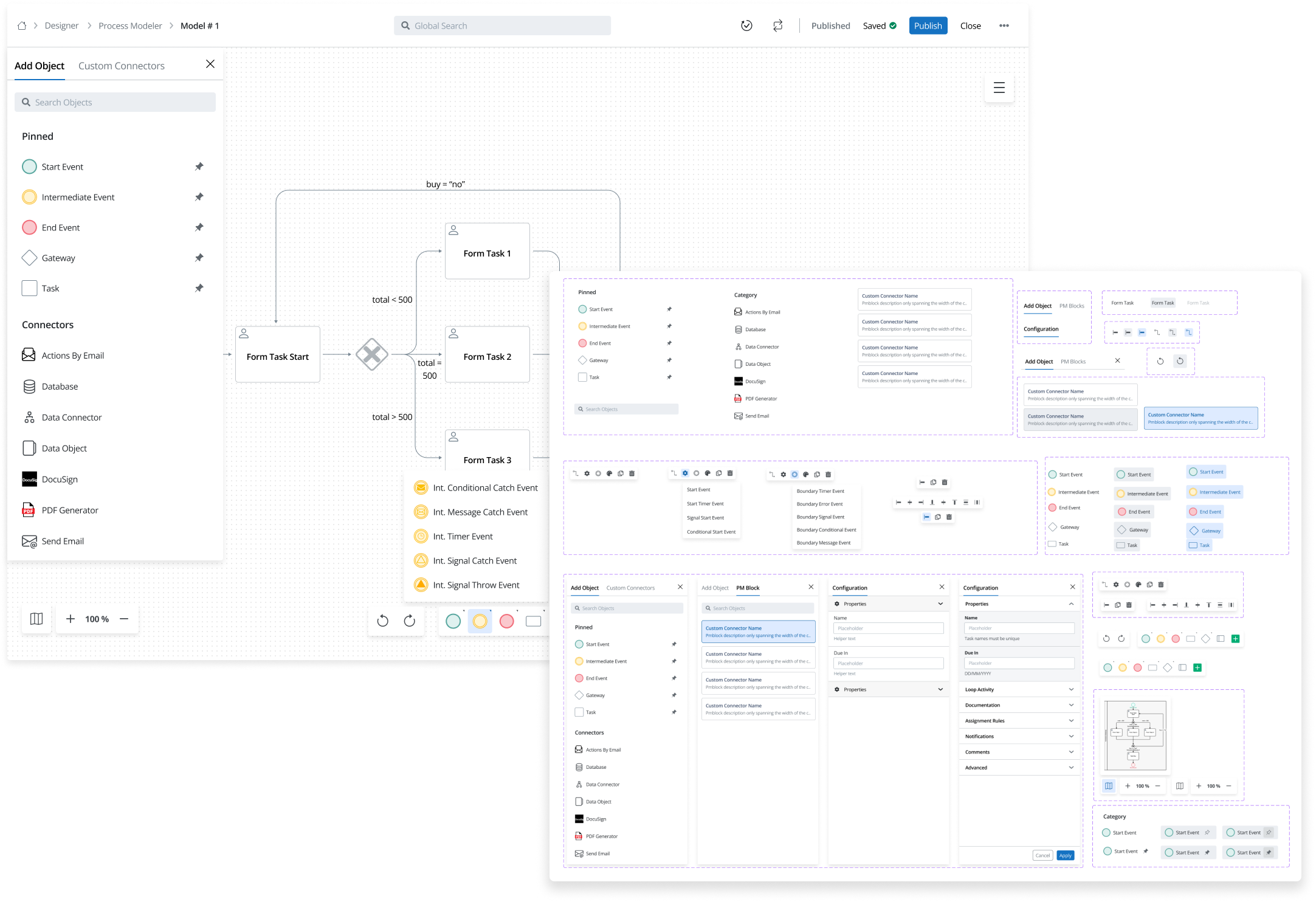
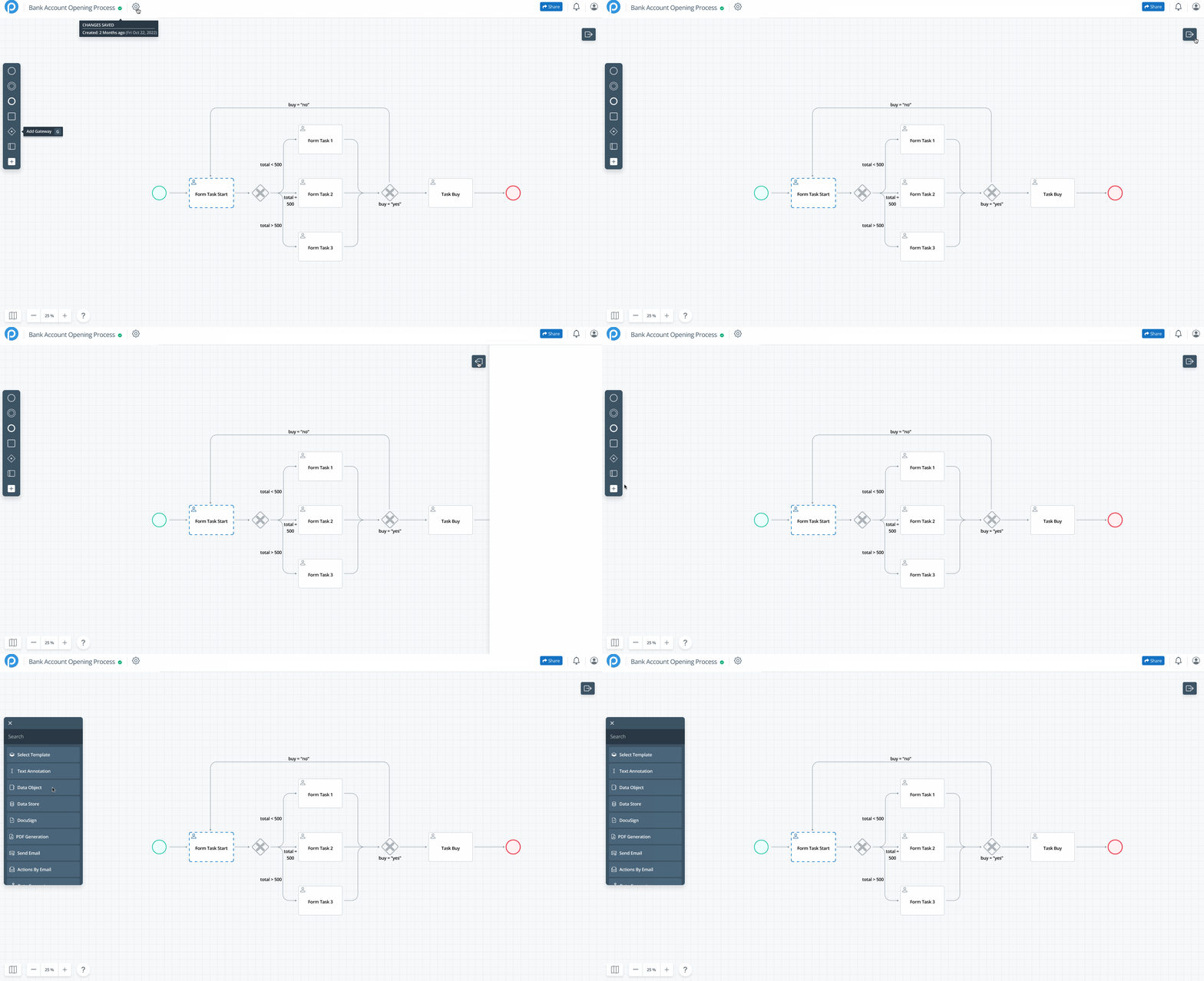
In the initial stages, I developed a modern BPMN canvas prototype focused on maximizing space and enhancing navigability. Although the UI structure and menu patterns significantly differed from those in the final production platform, the core principles of maximizing canvas space, reducing cognitive load, and maintaining essential functionality guided the design's evolution and were integral to subsequent iterations.
Moving Towards Production
Implementing New Menu Structures
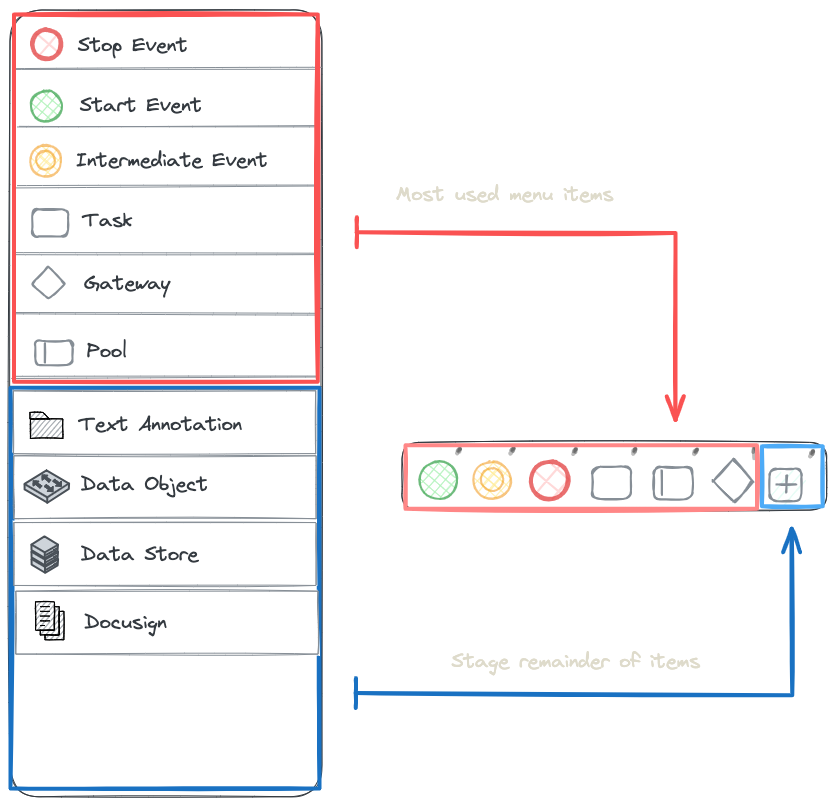
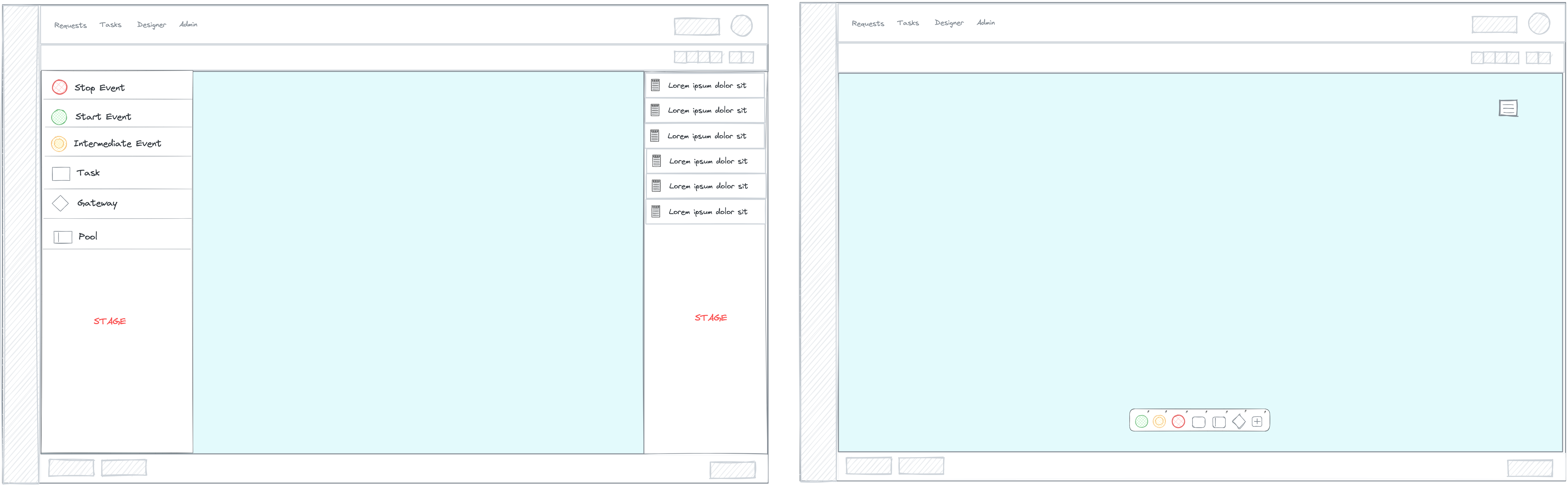
One of the key aspects of our redesign strategy was to introduce new menu structures that optimize the workspace and enhance user efficiency. Leveraging insights from user personas and market research, I crafted intuitive menu layouts designed to maximize canvas space while providing easy access to essential features.
The new menu structures were designed to accommodate current functionalities seamlessly while also allowing room for future feature expansions. By decluttering the interface and staging lesser-used elements, I aimed to minimize visual noise and streamline user workflows.